
1
Add SmashOne to ChatGPT
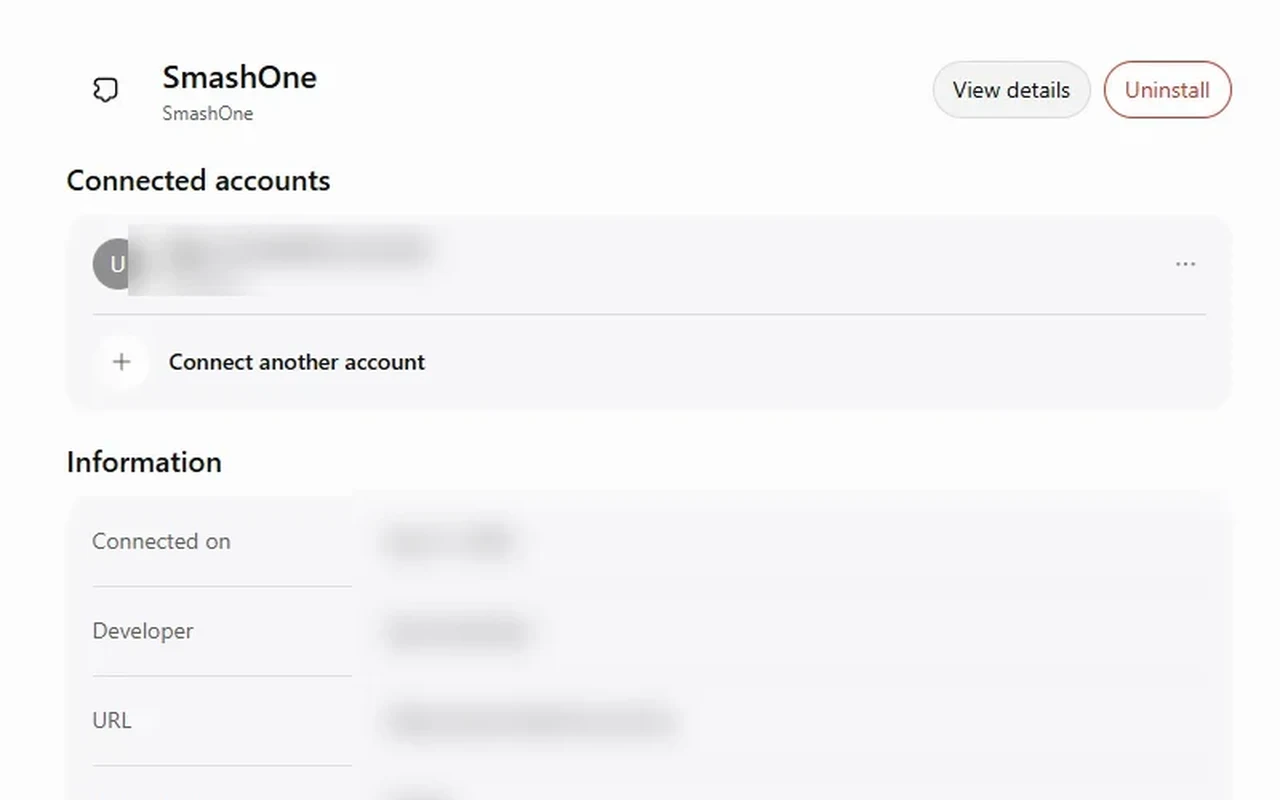
In ChatGPT, open Settings, then Plugins, and turn on Developer mode. Add a new plugin and paste our address as the server address.
How it works
SmashOne gives your business AI employees. You set them up by talking, in the ChatGPT you already use. You don't need a dashboard.
Paste this into ChatGPT
Please open https://api.smashone.us/mcp and read it: it's SmashOne's setup guide for you. Then walk me through connecting SmashOne to this chat, one step at a time.
Your ChatGPT opens our guide and takes you through it.
Your SmashOne account is where you hire an employee, pay for it and connect a social account.
In ChatGPT, open Settings, then Plugins, and turn on Developer mode. Add a new plugin and paste our address as the server address.
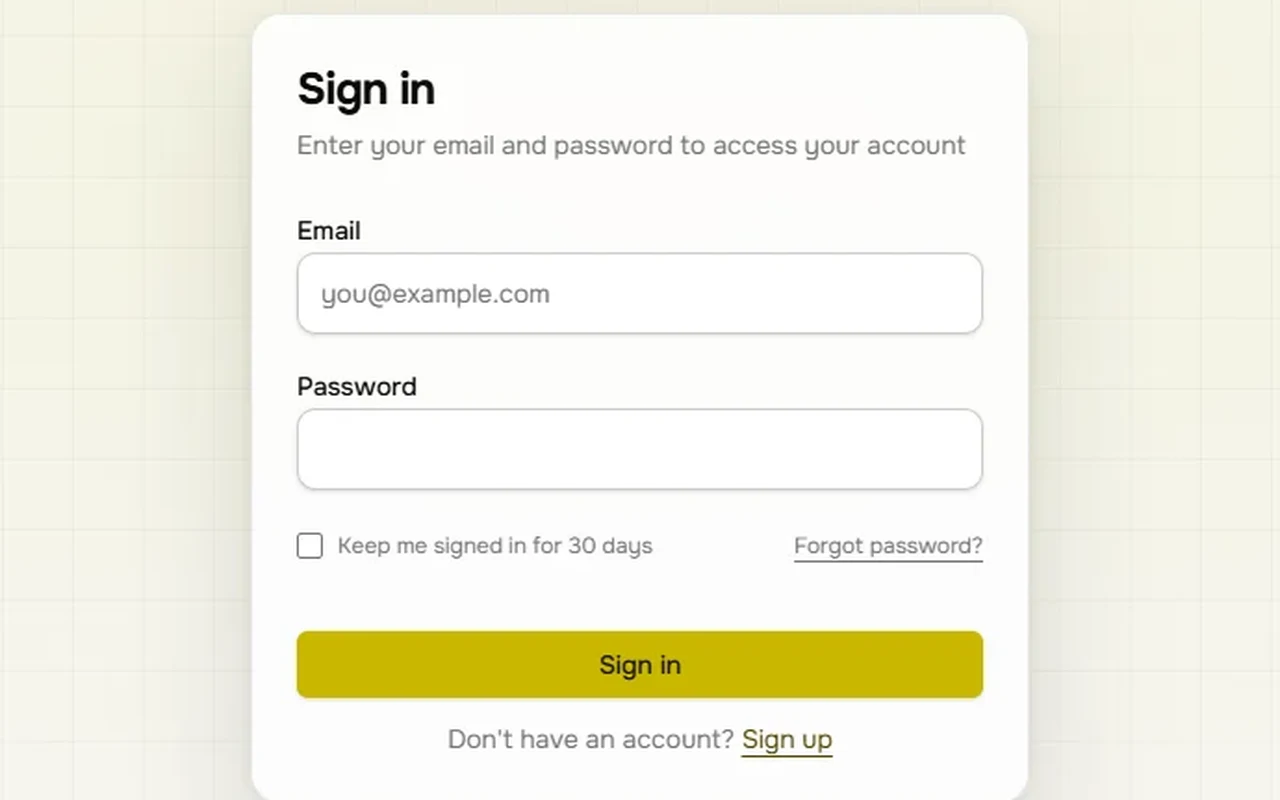
When ChatGPT asks, sign in to your SmashOne account.
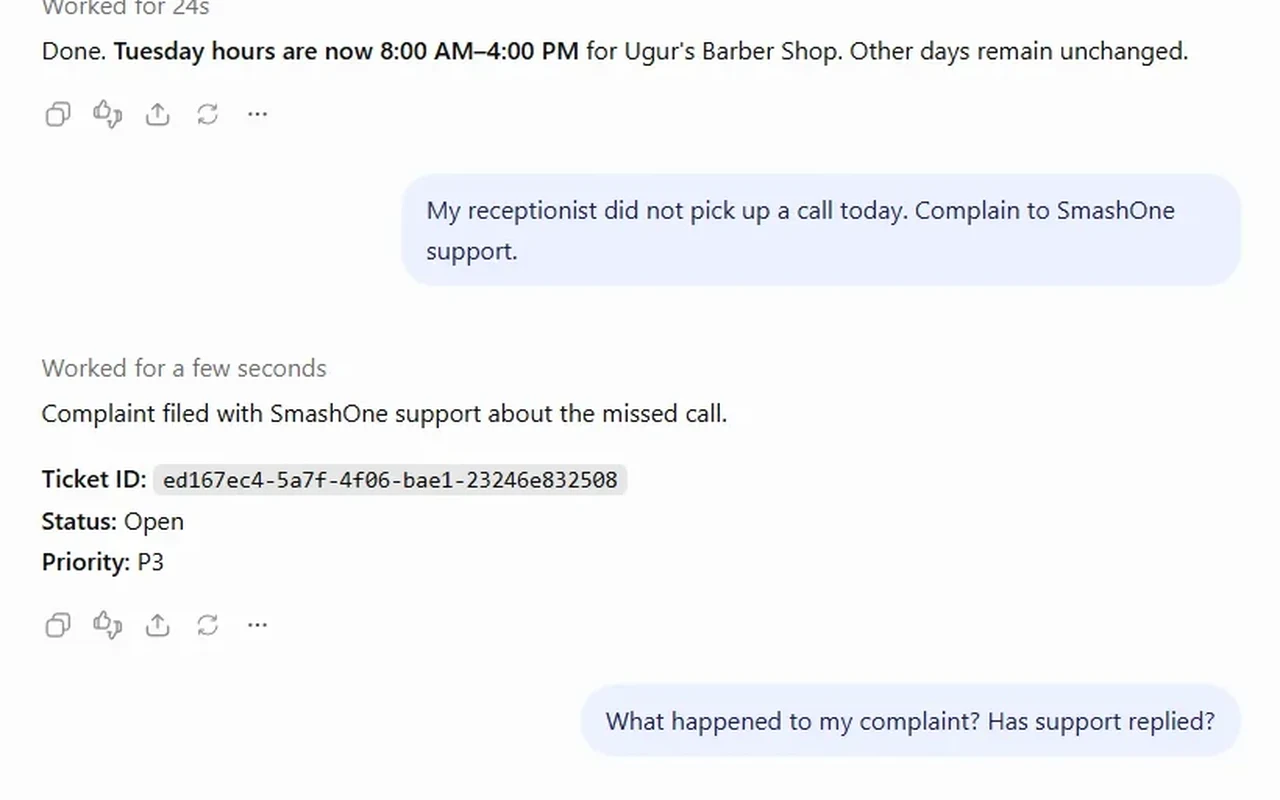
Say what you need, in your own words.
From the chat, today
Change my hours to 9 AM to 5 PM on Thursday. Keep the other days.
ChatGPT changes only Thursday and tells you the other days stayed the same.
Add a catalog item: Scalp massage, a service, <price>. Use this photo: <link>.
ChatGPT adds the item with its price and photo.
Which roles can I still hire, and which channels are connected?
ChatGPT lists the roles you can hire and the channels your employees use.
Show my publishing quota for today.
ChatGPT tells you how many images you have left today and when the count resets.
My receptionist missed a call today. Complain to SmashOne support.
ChatGPT opens a support ticket and gives you its number.
Hiring an employee and paying for it. ChatGPT can tell you what each role does and take you there, but prices and payment are in your account, not in the chat. Connecting a social account also happens there, because the platform asks you to log in to it.
Why SmashOne
Hiring a person costs thousands a month. Your first AI employee is $49.
Meet the staff →You say what you need in plain words, and ChatGPT does it in your SmashOne account: shows your business, changes your hours, adds items to your catalog, answers questions about your employees.
Two sample businesses run by AI employees every day — message them before you pay.
Open the demos →We're not open for sign-ups yet. Join the waitlist at smashone.us/signup/ and we'll email you when we open.

Cole · SmashOne assistant
AI answers automatically
Replies are AI-generated and are not reviewed by SmashOne staff.